
Everything You Need to Succeed
Advanced Search & Filters
Help users quickly find providers by category, location, tags, or custom attributes with fast, faceted filtering
Location-Based Listings
Show results by city, region, or proximity — with support for map-based browsing and geolocation-aware suggestions
Lead Capture & Inquiry Forms
Enable users to contact providers through inquiry forms or “Request a Quote” workflows without leaving the site
Vendor Dashboard
Let providers manage their listings, photos, descriptions, and contact preferences from a secure dashboard
Reviews & Ratings
Collect and display verified customer reviews to build trust and help users compare service providers
Built-in Messaging
Enable direct communication between users and vendors to answer questions, clarify service details, or follow up on inquiries
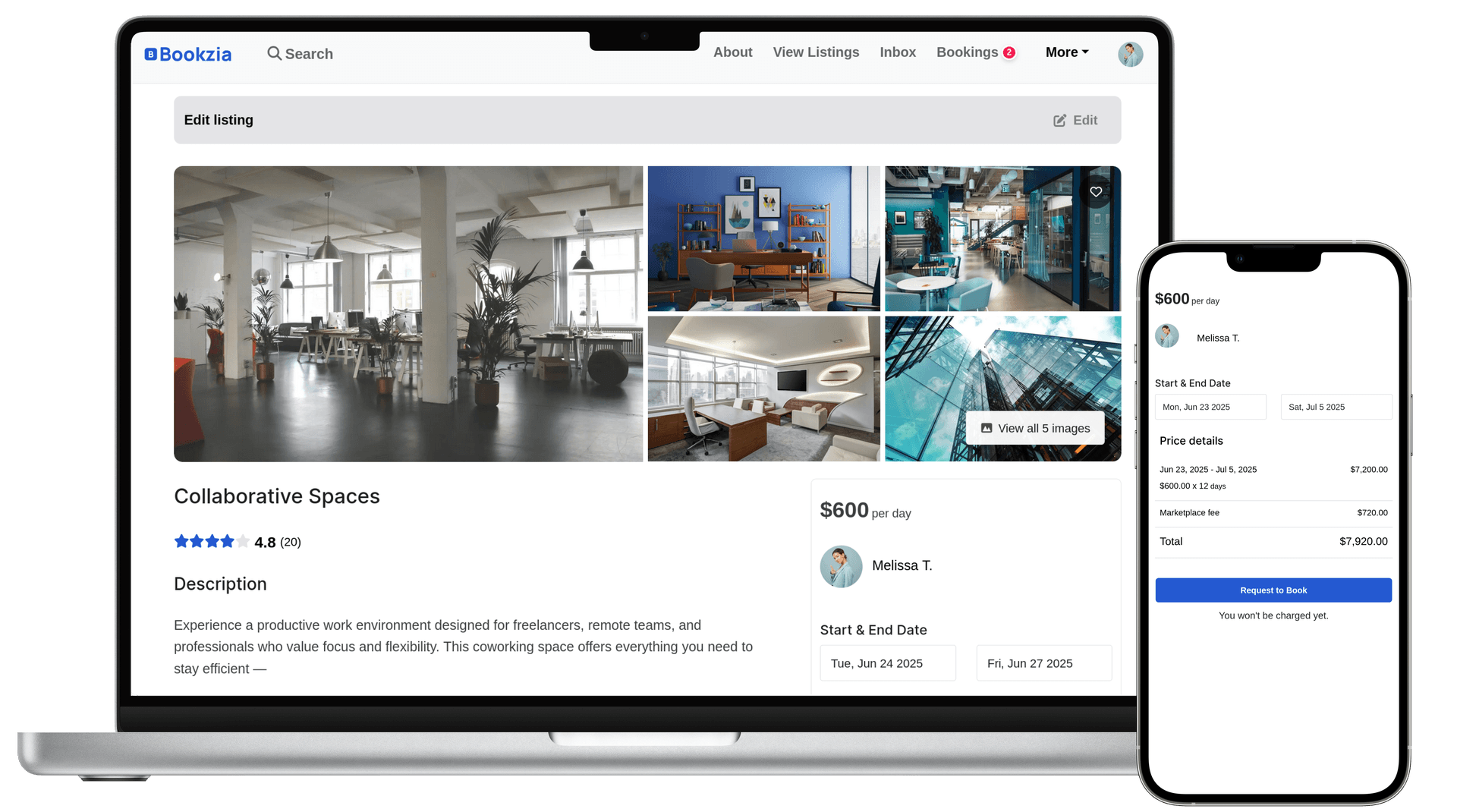
Explore the Marketplace Platform
Review the core marketplace flows—from customer bookings to vendor and admin workflows—to understand how the platform is structured.
Frontend Experience
Customer viewAdmin Dashboard
Operations & business management toolsHow It Works
Get your platform up and running in four simple steps
Access the Bookzia System
Get access to the Bookzia foundation and core modules required for your setup.
Deployment & Configuration
Deploy Bookzia on your preferred infrastructure and configure the core booking and payout flows.
Adapt to Your Operation
Adjust workflows, interfaces, and features to fit your brand and how your business actually runs.
Go Live & Operate
Launch with a stable system in place and expand capabilities as your operations evolve.